(1).png)


1. Why Build a Custom GPT for Your Business?
In 2026, the competitive advantage isn't just having data; it's the velocity at which your team can use it.
Onboarding Speed: New hires can ask the GPT about company culture or specific software workflows without shadowing a senior dev for a week.
Consistency: Ensure every customer support response or sales proposal follows the current 2026 brand voice.
Eliminating Information Silos: Connect data from Slack, Google Drive, and Notion into a single, conversational interface.
2. Choosing Your Architecture: RAG vs. Fine-Tuning
In 2026, the debate is settled: RAG (Retrieval-Augmented Generation) is the gold standard for internal knowledge bases.
| Feature | Fine-Tuning | RAG (The 2026 Standard) |
| Data Freshness | Static (Requires retraining). | Real-Time (Updated as you add files). |
| Accuracy | Prone to "hallucinating" facts. | High (Cites specific documents). |
| Cost | High (GPU and dev time). | Low (Uses existing API infrastructure). |
| Security | Data is "baked into" the model. | Secure (Data stays in your private silo). |
Pro Tip: Only use fine-tuning if you need the AI to learn a specific jargon or a very unique writing style. For facts and figures, always choose RAG.
3. Step-by-Step: Building Your Internal GPT
Step 1: The Knowledge Audit (Data Preparation)
AI is only as good as its training data. In 2026, "Clean Data" is the new SEO.
Clean the "Junk": Remove outdated versions of policies (e.g., delete "2024 Travel Policy" if the 2026 version is live).
Chunking: Break large PDFs (100+ pages) into smaller, topical chapters to help the AI find specific answers faster.
Step 2: The Configuration (Instruction Engineering)
Don't just say "Be helpful." Use System Instructions to define the GPT's persona.
Example: "You are the ChampsPoint Internal Assistant. You only answer based on the uploaded files. If an answer isn't in the knowledge base, say 'I don't have that information' and provide the contact email for the relevant department."
Step 3: Connecting Your API (The "Actions" Layer)
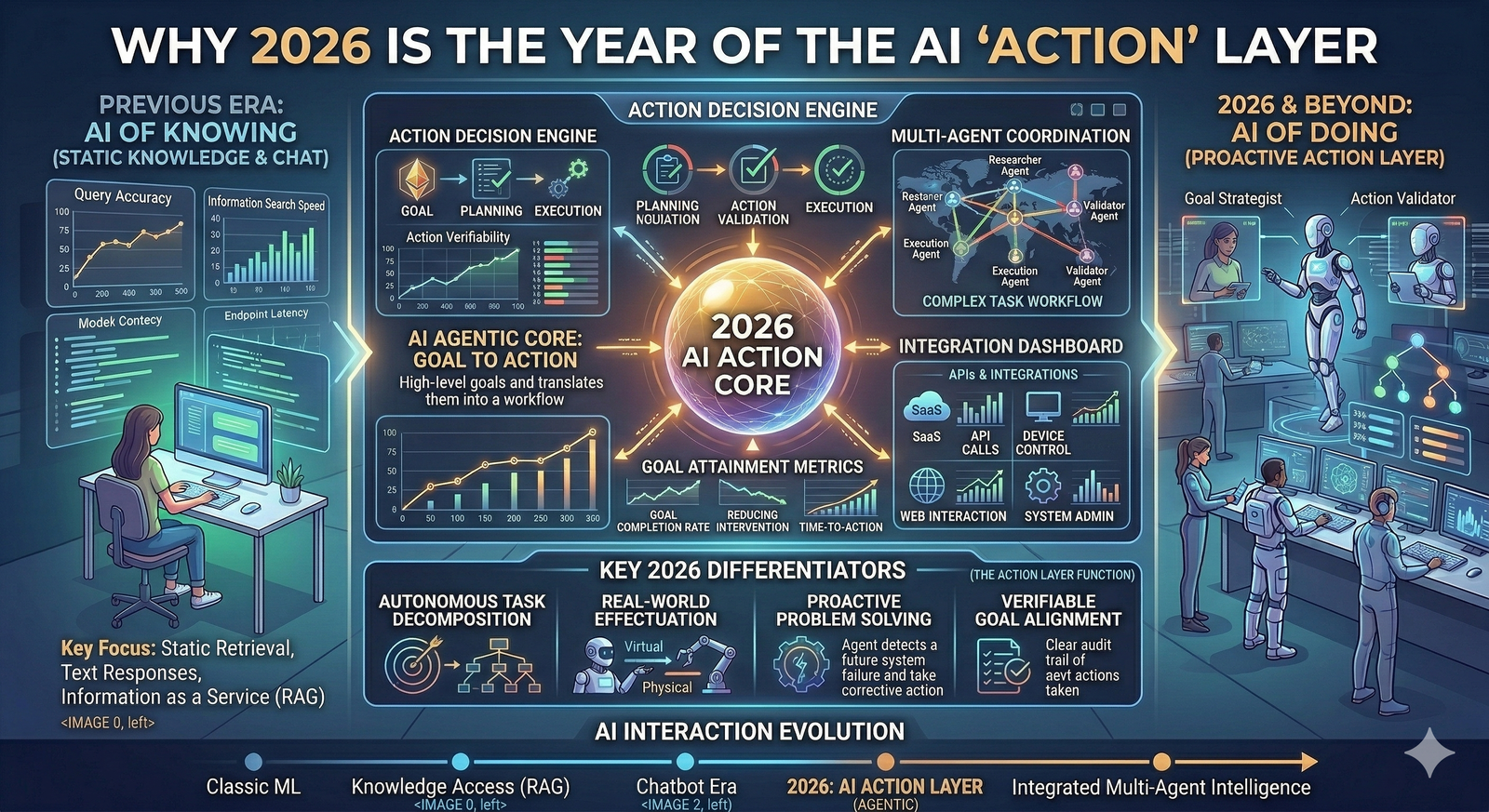
In 2026, a GPT shouldn't just talk; it should do. Use GPT Actions to connect to your CRM or project management tools.
Example: "Search our 2026 project list in Jira and summarize the status of the 'Alpha' project."
4. Security & Privacy: The 2026 Checklist
With the EU AI Act and global privacy mandates in full effect, your internal GPT must be a fortress.
[ ] Opt-Out of Training: If using OpenAI’s Enterprise tier, ensure the setting "Use data for training" is toggled OFF.
[ ] SSO Integration: Only employees with a verified company email should have access.
[ ] PII Masking: Use an intermediary layer to automatically redact sensitive information (like employee ID numbers) before it hits the LLM.
[ ] Audit Logs: Monitor what questions are being asked to identify "knowledge gaps" in your organization.
5. Deployment: Driving Adoption
A tool is only useful if it’s used. In 2026, successful firms deploy their GPT where the work happens:
Slack/Teams Integration: Embed the GPT directly into your chat channels.
Browser Extension: Allow employees to "ask the knowledge base" while they are browsing client websites or drafting emails.
Summary: Your Business, Digitized
Building a custom GPT in 2026 isn't a "IT project"—it's a leadership strategy. By centralizing your knowledge, you reduce friction, eliminate errors, and empower your team to focus on high-value creative work rather than searching for lost files.